Vector sequence / LaserOS
SVG animation folder
A ZIP with consecutive morph-001.svg frames, settings and an import guide. Each frame contains outline paths with no background rectangle or live text.
Study 15 / cells, flowers & moving light
Overlay human-cell-inspired contours with lotus petals, radial leaves and floral rosettes. Let one outline become another, then carry the movement into light.
Open Cellular Bloom ↗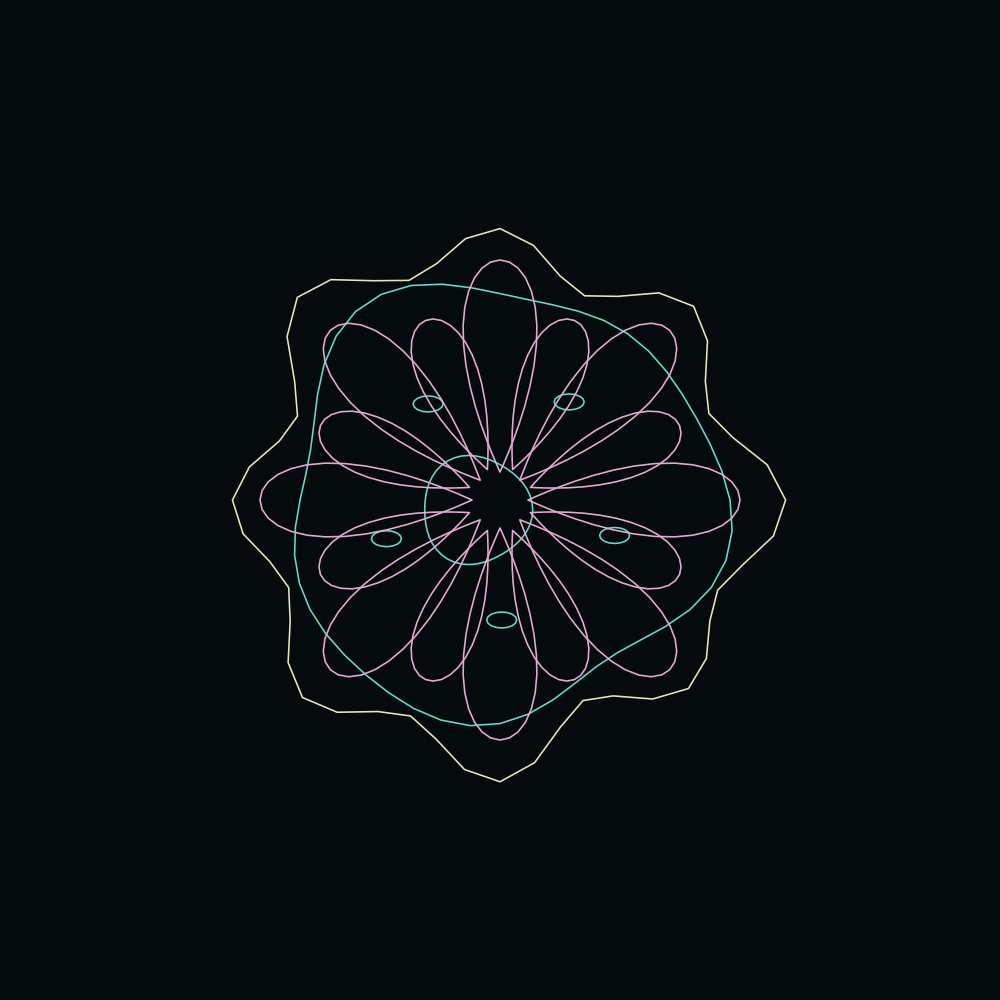
01 / Morphology atlas
These are original procedural drawings informed by cell and plant references. Their visual resemblance is an artistic comparison, not a claim of shared function or a measured biological transformation.
02 / Animated instrument
Cyan: cell study. Pink: plant study.
Ivory: the interpolated envelope.
Choose a monochrome palette for simple line output.
Animation begins when you press Play. The clean output stays synced to these controls.
03 / Take the movement further
Export a loop, record a video, or capture a clean output window live. The website creates artwork; LaserOS handles laser rendering and device control.
Vector sequence / LaserOS
A ZIP with consecutive morph-001.svg frames, settings and an import guide. Each frame contains outline paths with no background rectangle or live text.
Animated file / browser
One animated SVG for compatible browsers and vector workflows. LaserOS uses the numbered frame folder rather than this SMIL animation.
Video / real-time recording
Record the same line artwork to WebM or MP4, depending on browser support. Recording takes the loop’s actual duration. Keep this tab visible while recording.
04 / LaserCube playback
Cast traces a raster image into laser outlines; the imported SVG sequence preserves vector artwork. Actual scanner loading, frame rate and shape quality must be checked in LaserOS. Keep the projection terminated away from people and use the manufacturer’s setup guidance.
Continue the inquiry